A non-repaint indicator for MT5: the arrow appears at candle close and stays
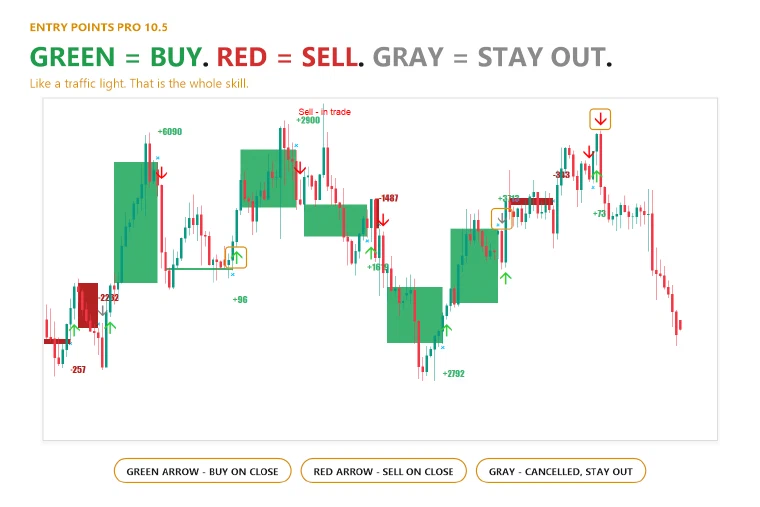
Repainting is when an indicator redraws its past signals, so its history looks better than it traded. Entry Points Pro does not do that: an arrow appears only when the candle has closed, and it stays where it appeared.
The amber marker on a candle that is still forming is only an early heads-up: it can disappear before the candle closes, and it is not an entry.
Checked 2,486,568 times
An automated test on EURUSD, XAUUSD and BTCUSD went through 6,432 bars and 221 signals and made 2,486,568 checks. Not one arrow moved.
Check it yourself in ten minutes
- Download the free demo on MQL5.
- Open the MetaTrader 5 Strategy Tester, choose the indicator, your symbol and timeframe, and turn on visual mode.
- Watch the chart: each arrow appears at the close of a candle and stays there.
What a gray arrow means
A gray arrow is a cancelled signal: the price did not pass the entry level, so there was no trade and no loss. The arrow does not move or disappear, it only changes colour.
More than an arrow
The panel gives you the entry, the stop and the lot size for your risk before you place the order, and shows in dollars what the signals added up to on the history of your chart.